Introducing Place2Page
A simple step-by-step guide to publish your first Place2Page landing page.

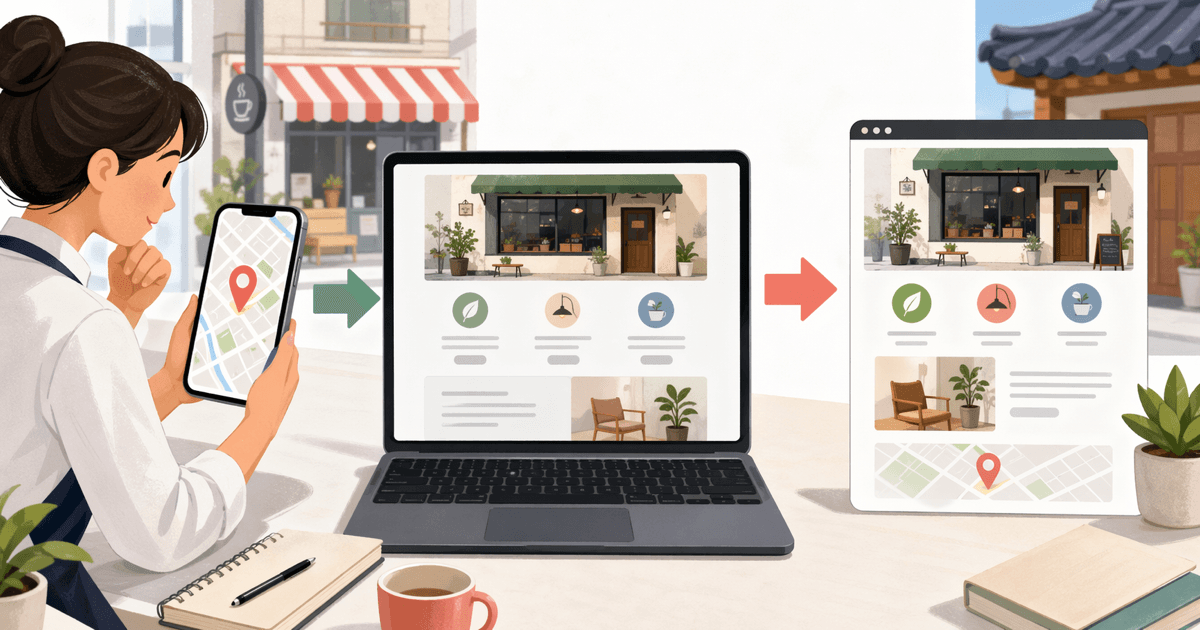
Place2Page helps you turn one Naver Map or Google Maps place URL into a publishable landing page.
This guide explains the fastest way to go from URL to live page.
Before you start
- A Naver Map or Google Maps place URL
- A Place2Page account
- 5 to 10 minutes
Step 1: Start a new generation
- Click Start with your place URL.
- Paste your Naver Map or Google Maps URL.
- Submit to generate a draft.
What Place2Page creates:
- Hero headline and supporting text
- Section blocks for key details
- CTA-ready copy you can edit
Step 2: Edit the draft
Review and adjust these first:
- Business name and headline
- Main value proposition
- CTA text and destination links
- Any location-specific details (hours, offers, contact)
Step 3: Preview
Open preview mode and check:
- Mobile readability
- CTA visibility
- Section order
- Final wording
Step 4: Publish
When everything looks right:
- Click Publish
- Confirm your slug
- Open the live URL and verify content
Publishing starts the hosting window for that page. Free published pages stay live for 30 days. If you want the page to remain live after that window, open Billing, choose the project, and start Core hosting.
Pricing and hosting
Place2Page currently bills for hosted store pages, not monthly generation quota.
| Plan | What it includes | Price |
|---|---|---|
| Free | 1 published store page with a 30-day hosting window | $0 |
| Core | Keep the selected store page live while subscribed, with project creation and refreshes available | $4.99/store/month or $49.99/store/year |
Core hosting is attached to the project you select at checkout. If you run multiple store pages, keep each page live from the Billing page.
Tips for better results
- Keep headlines short and specific
- Put your strongest CTA above the fold
- Use clear service and location terms
- Update copy when offers change